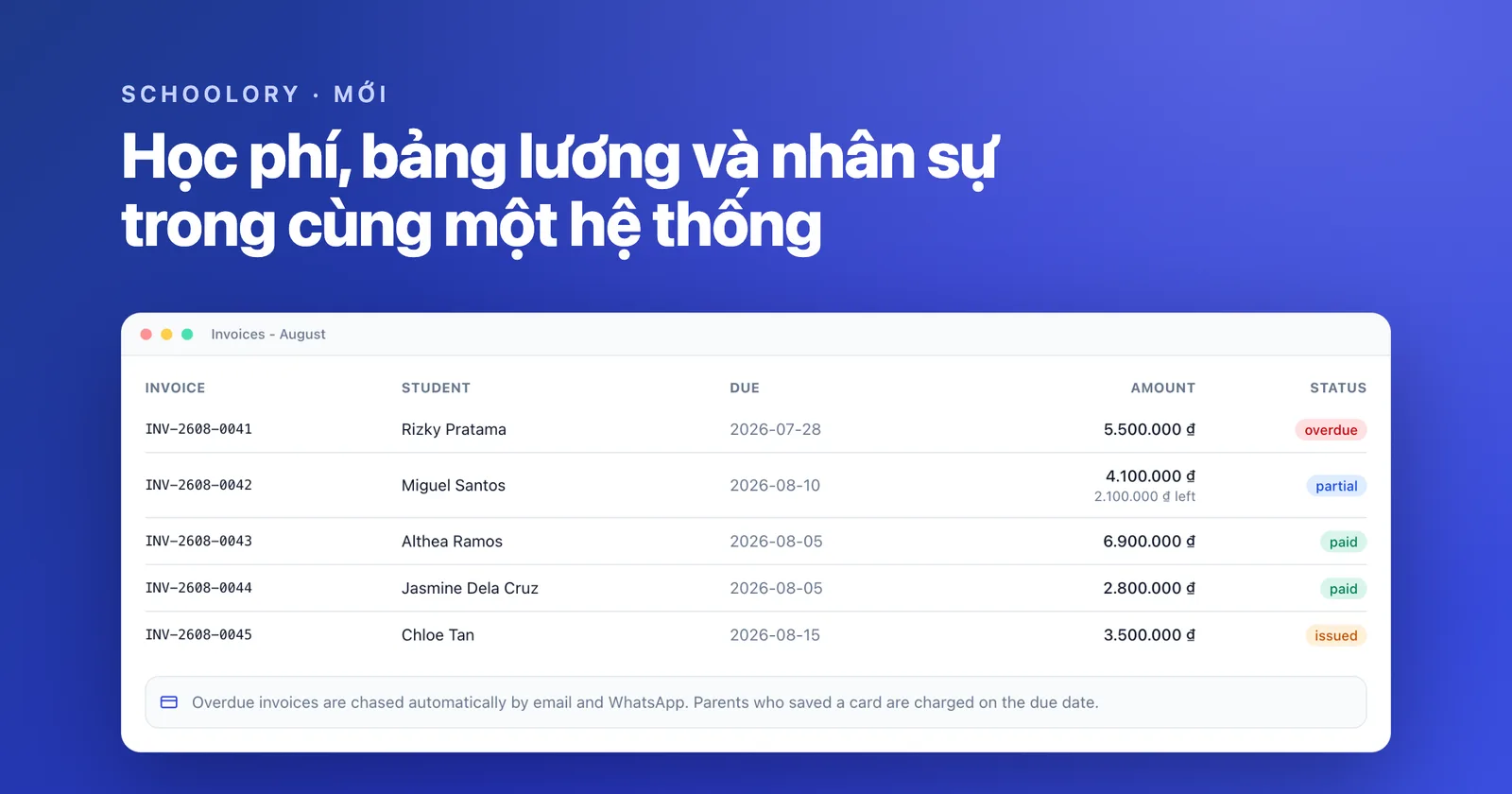
At many schools, tuition lives in one spreadsheet, timesheets in another and teacher contracts in a drawer. At month end, someone stitches the three together by hand. Schoolory's 2026.11 release brings all three into one place, alongside the attendance and timetable that were already there.
Collecting tuition: the right amount, on the right invoice
- VietQR on invoices. Invoices on the family portal carry a VietQR with the amount and transfer note filled in, so parents pay the right amount with a reference the school can match.
- Transfers matched automatically. Connect SePay, Casso or any service that sends a webhook for each incoming transfer (Settings → Payments), and payments are recorded against the right invoice.
- Tuition reminders through Zalo ZNS (Growth and Scale). Connect the school's Zalo Official Account to send tuition reminders and check-in notices, using templates Zalo has approved and billed by Zalo to the school's OA.
- Invoice and receipt PDFs with the school's logo, campus address, tax code and footer notes. Parents download their own invoices and receipts.
- VAT invoice requests: record the e-invoice number, series and lookup code, then export every request to a spreadsheet for the accountant.
Staff records and contracts
On Growth and Scale, schools get a staff directory with search and filters, and a profile for each person with personal details, employment, pay, contracts, documents and payslips. ID and bank account numbers are stored encrypted.
Contracts renew in one click and keep their history. Turn on contract reminders under Automation and the staff member and HR hear 30 and 7 days before a contract ends.
Payroll that fills itself in
Each run is built from the person's own pay settings:
- monthly salary, pro rata for anyone joining or leaving mid-month;
- approved timesheet hours and sessions taught;
- regular allowances and deductions.
Adjust any line while the run is a draft, then finalize it, mark it paid and, if you like, record the expense in the cashbook. A4 PDF payslips carry the school's name and go out by email one by one or for the whole run. Only people who manage payroll can see payroll runs; teachers and staff see their own finalized payslips.
Leave requests
Staff ask for annual, sick or unpaid leave and see how much annual leave they have left. HR approves it and sees straight away which sessions need a substitute, and approved unpaid leave is deducted on that month's payroll.
For owners and parents
- A morning email for the owner: money collected yesterday, overdue tuition, today's sessions, courses ending soon and students at risk. Turn it on under Automation.
- The Retention page lists the students worth a call this week, ranked by runs of absences and overdue tuition.
- Parents can add the family portal to their phone's home screen and open it like an app, and turn on notifications to hear the moment their child checks in to class.
See the demo and start a trial at schoolory.com.
Talk to Schoolory
Leave your name and phone number — the right specialist will contact you within 1–2 working days.
- Reply within 1–2 working days
- The right specialist for each brand
- Data protected under Decree 330/2026